
User Guide

User Guide

    ›Student

    Student

    • General Instructions (OTP Login)
    • Explanation of Student Dashboard
    • Student Application Form (Profile Creation)
    • Applying for Jobs
    • Successful Shortlist and Selection of Timeslots
    • Awaiting Interview Results and Action for Tentative Offer
    • Follow-up after Job Acceptance

    General Instructions (OTP Login)

    Getting Started

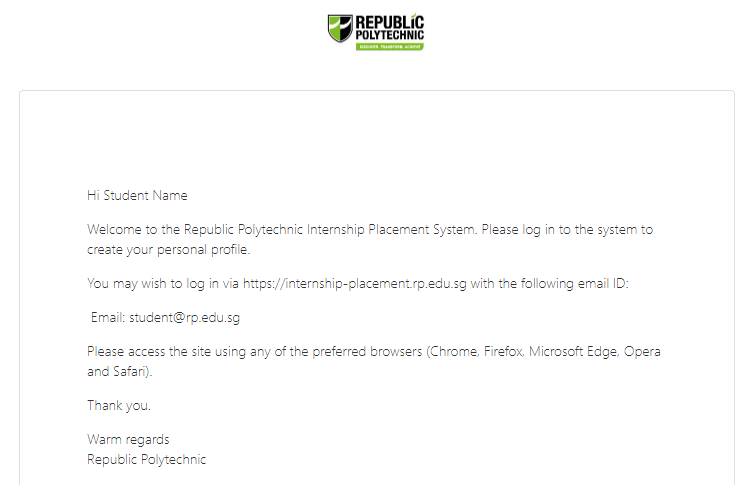
    Welcome to the Republic Polytechnic Internship Placement System powered by X0PA AI. If you are facing any difficulties with the platform, click on the chat icon on the bottom right and talk to our support team.

    alt-text

    alt-text

    OTP Login

    Enter the main platform via https://internship-placement.rp.edu.sg/ and click on student login.

    alt-text

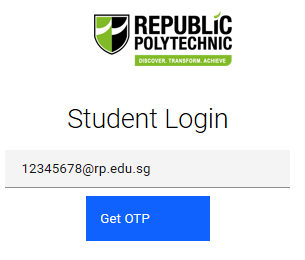
    Key in your RP email address and click on "Get OTP".
    alt-text

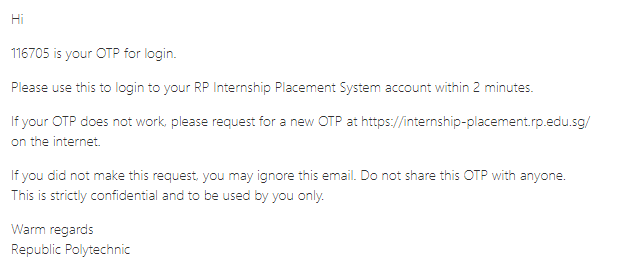
    You will receive an OTP in your school email account. The OTP will last for 2 minutes.
    alt-text

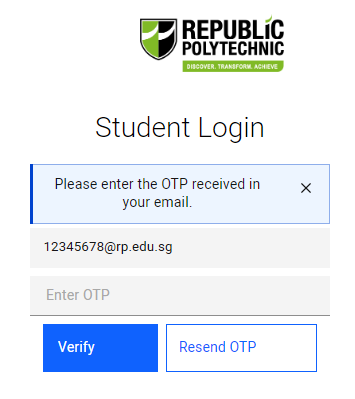
    Key in the OTP and click on "Verify" to log in.
    alt-text

    Explanation of Student Dashboard →
    • Getting Started
    • OTP Login
    Copyright © 2020 X0PA AI Pte Ltd.