Awaiting Interview Results and Action for Tentative Offer
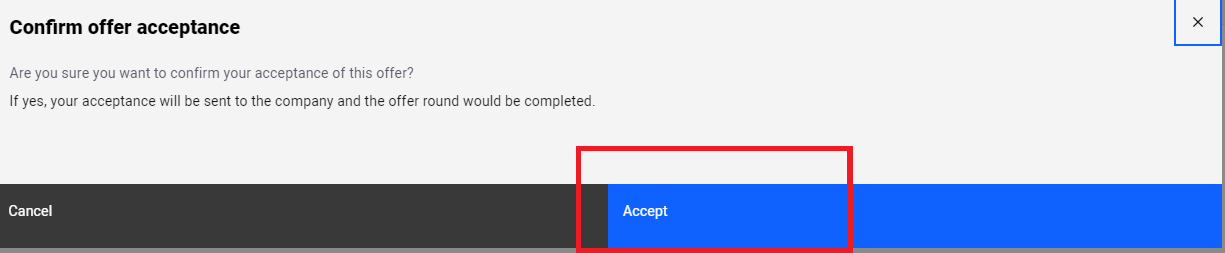
It is important to note that you can only accept one offer and this must be done via the system. RP WILL NOT recognise any offer and/or acceptance that are done offline.
You will not be able to make any changes after this.
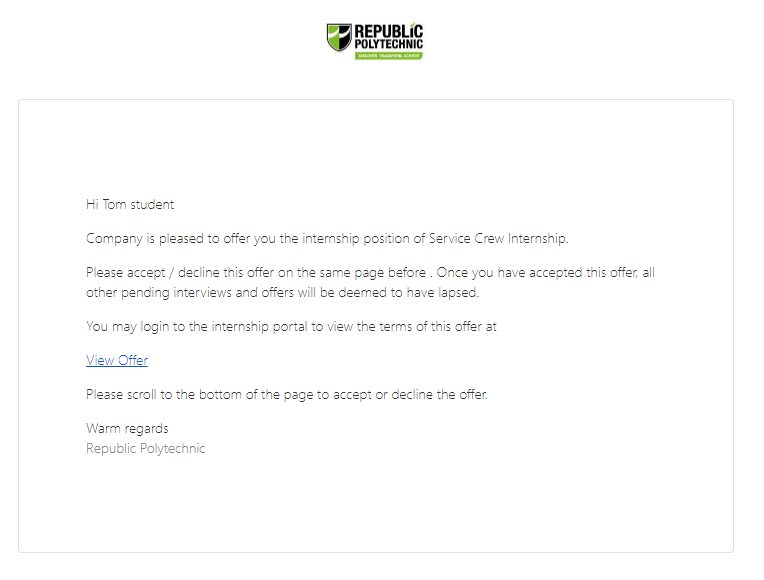
Congratulations! You have now received a job offer. However, this does not mean that you have secured the internship. If another student has accepted the job offer before you and there are not enough vacancies, you may not get the internship. You need to accept the job offer in the platform.
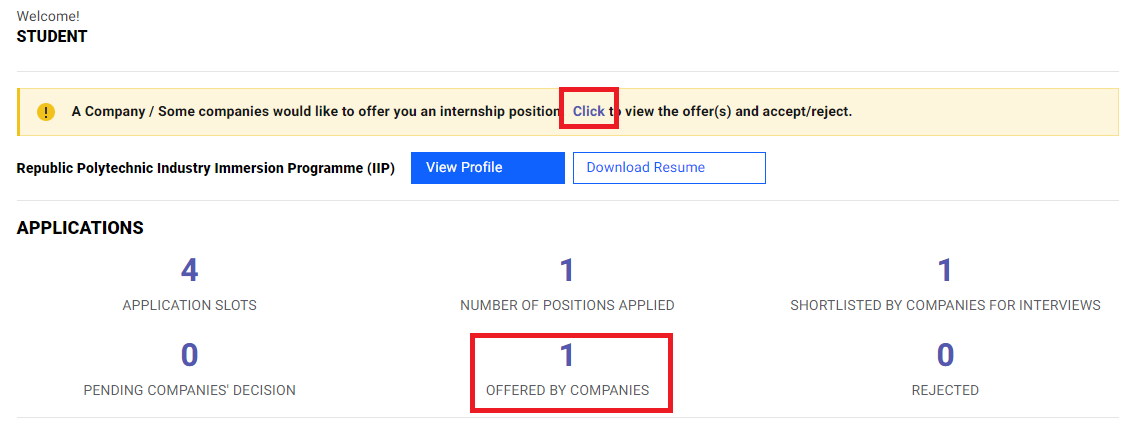
When you receive a job offer, the number will be reflected under "OFFERED BY COMPANIES". There will also be a message box (in yellow) to prompt you to accept the job offer. Click on them as indicated by the red box.
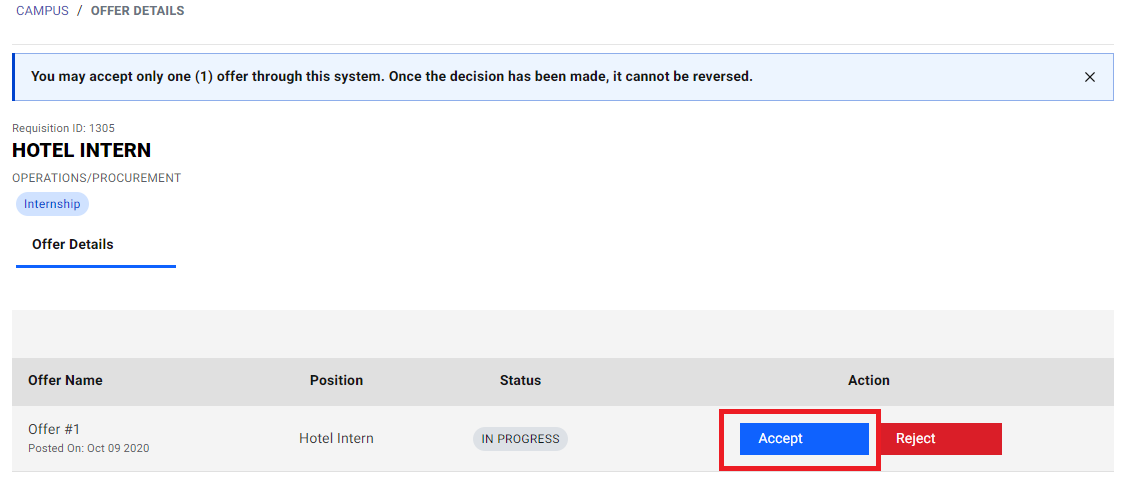
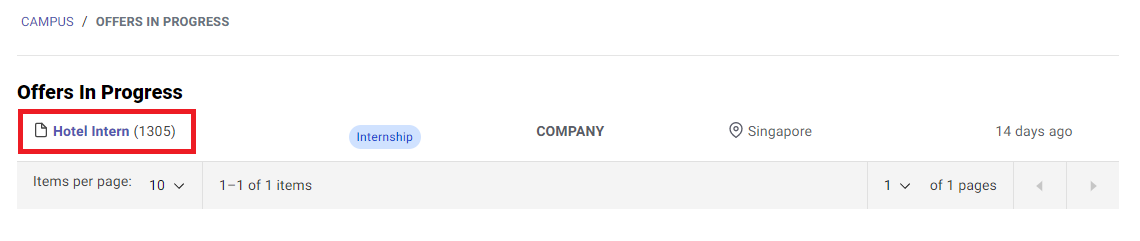
Click on the respective job titles as indicated by the red box.
Click on "Accept Offer".